How Typing Helps You Learn Arabic Faster (A Practical Method)
Typing Arabic builds reading, spelling, and vocabulary at once. Here's a practical, research-backed method to learn Arabic faster using a phonetic keyboard.
Most beginners study Arabic by reading and listening — but producing the language is where real progress happens. Typing is one of the most underrated ways to do that. It's active, fast, and connects sound, shape, and meaning in a single action. Here's how to use it.
Why typing accelerates learning
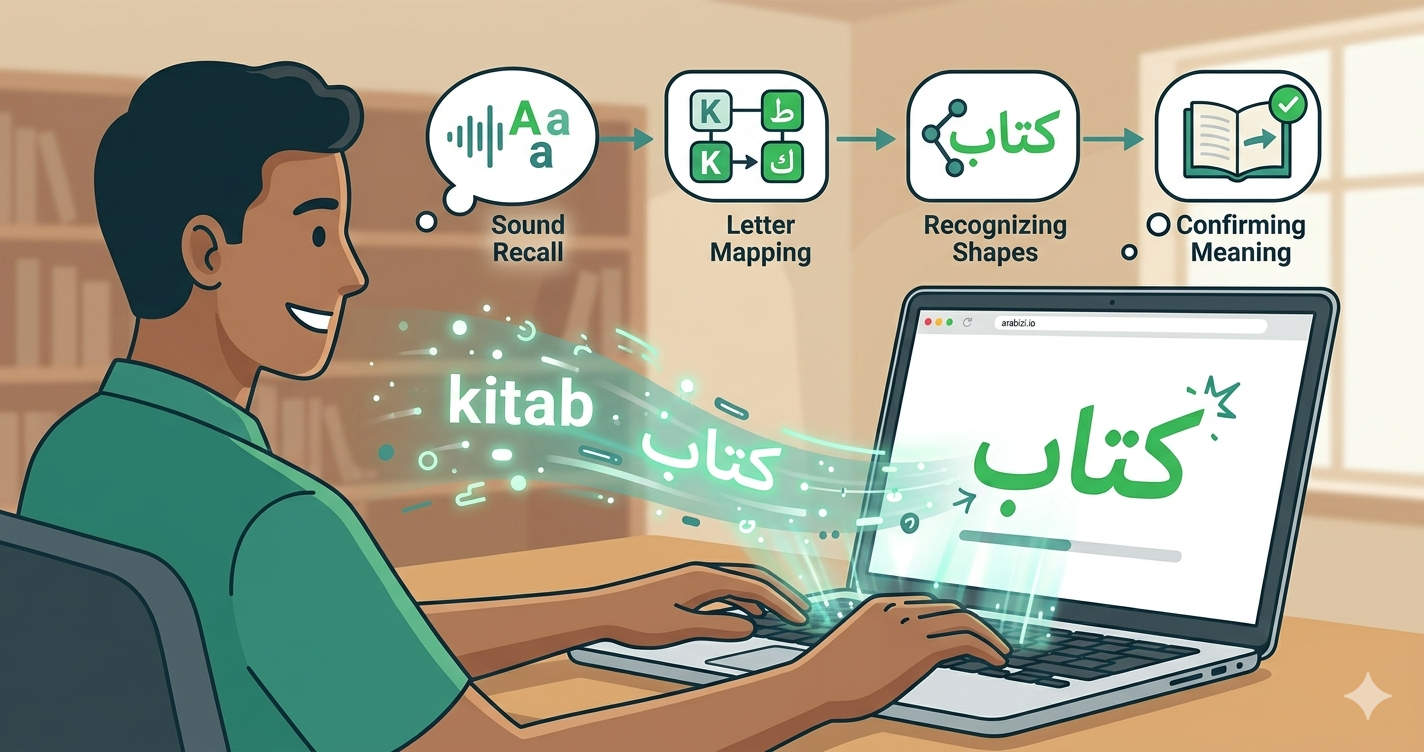
When you type an Arabic word, your brain does several things at once:
- Recalls the sound (how the word is pronounced).
- Maps it to letters (which characters spell it).
- Recognizes the shapes (how those letters connect).
- Confirms meaning (you typed it on purpose).
This "active recall" is far more powerful than passively re-reading a vocabulary list. Each keystroke is a tiny test you pass.
The phonetic bridge
The barrier for most beginners is the keyboard itself — you can't yet find letters you don't know. Phonetic transliteration removes that wall. You type what you hear (kitab) and see the correct Arabic (كتاب). This lets you start producing Arabic on day one, before you've memorized letter positions.
As you type, you naturally absorb the sound-to-letter mappings. Over weeks, you stop relying on the conversion and start recognizing the script on sight.
A practical 15-minute daily routine
Try this with the Arabizi.io keyboard:
Minutes 1–5 — Vocabulary drill. Take 10 new words. Type each phonetically, watch the Arabic form, and say it aloud. Use Listen to check pronunciation.
Minutes 6–10 — Sentence building. Combine the words into short sentences. Don't aim for perfect grammar — aim for output. Add tashkeel to lock in vowels.
Minutes 11–15 — Real use. Write a real message — a caption, a note, a reply to a friend — and send it. Using the language for a real purpose cements it.
Tips to get more from typing practice
- Turn off transliteration sometimes. Once you know a word, type it on the on-screen keyboard from memory to test recall.
- Use autocomplete intentionally. Type the first two letters and let suggestions remind you of the full word — then type it yourself next time.
- Translate your own sentences. Write in Arabic, then hit Translate to check you said what you meant.
- Read it back. Use Listen to hear your text; if it sounds wrong, your spelling probably is.
From Arabizi to full script
Many learners start in Arabizi and worry it's a crutch. It isn't — it's a bridge. The key is to keep moving toward real script. Typing is the on-ramp: every word you type in transliteration shows you the Arabic spelling, training your eye for the real thing. Before long you'll be reading the Arabic alphabet fluently.
Start now
Open the free Arabic keyboard, pick five words you want to learn today, and type them. Five minutes of active typing beats an hour of passive scrolling.